Choose a channel and let it run
Play albums and app-owned smart channels with shuffle, repeat, resume, and minimal Siri Remote controls.
 Home Video Channelby Others Oriented
Apple TV photo & video
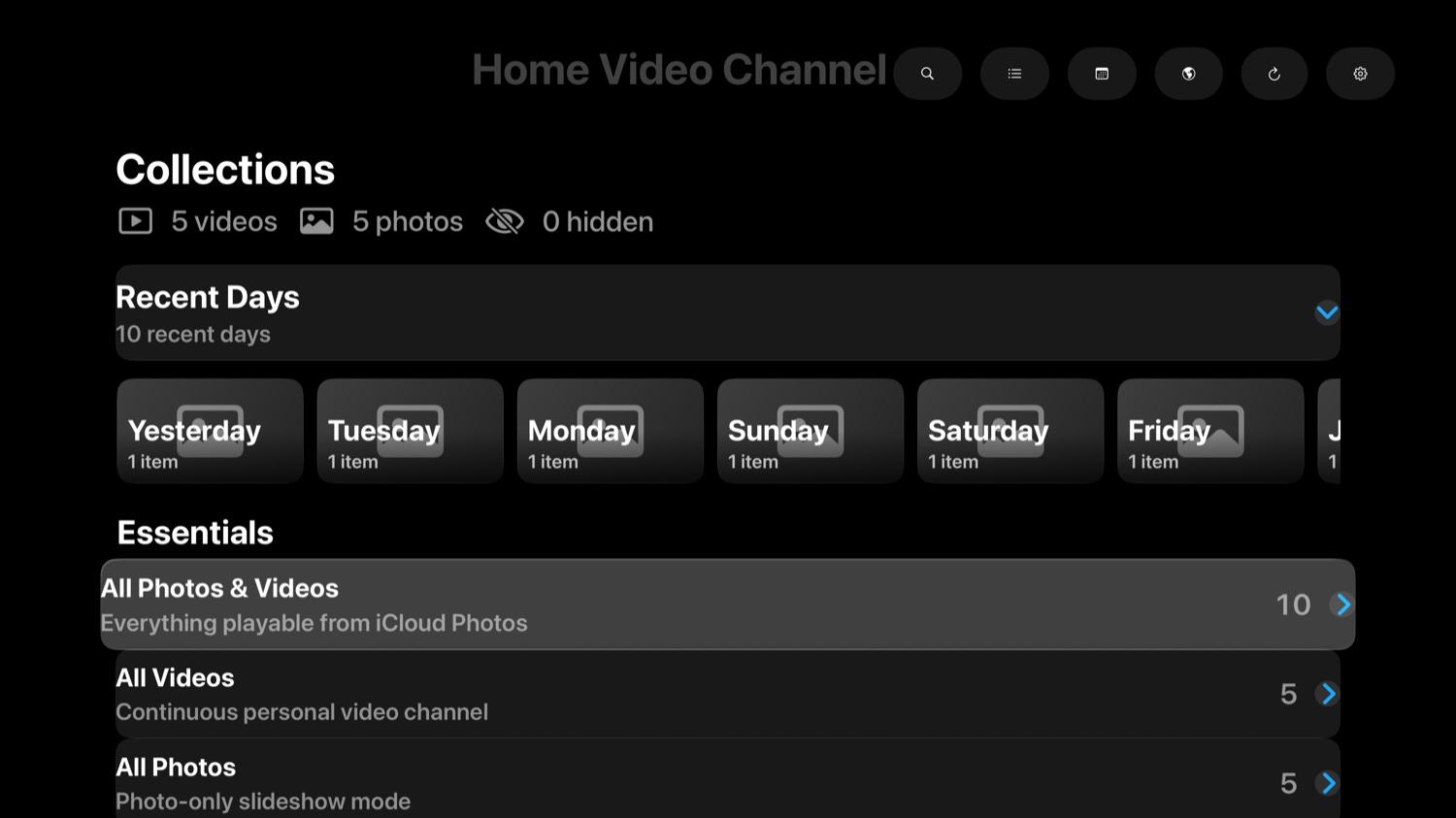
Turn albums and smart groupings from Apple Photos into calm, continuous Apple TV channels for old trips, everyday moments, and the videos everyone forgot to replay.
Available on Apple TV. No account, ads, or subscription.

01 / WHY IT EXISTS
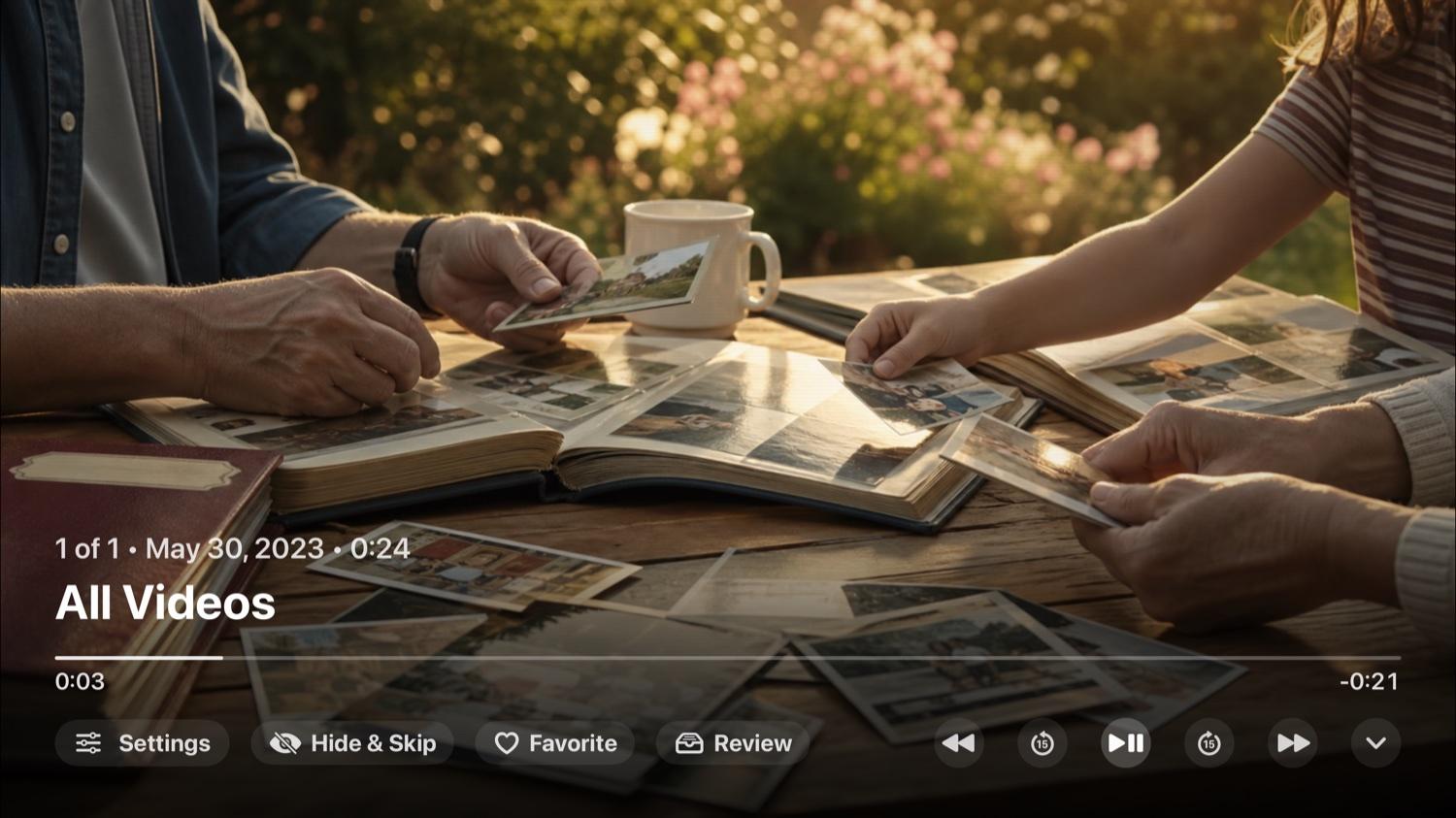
Home Video Channel is a lean-back way to watch your own library: pick a channel, press play, and let the room fill with family footage instead of another blank screen.
02 / WHAT IT DOES
Play albums and app-owned smart channels with shuffle, repeat, resume, and minimal Siri Remote controls.
Keep the complete vertical photo or video visible with a softened background rather than throwing away the frame.
Use app favorites, watch history, review queue, tags, hide, and skip controls without deleting or editing the Apple Photos library.
03 / THE RHYTHM
Grant Photos access on Apple TV so the app can request your available library through PhotoKit.
Select an album or channel, then decide whether to shuffle, repeat, mute, or add a subtle playback look.
Let photos and videos play continuously, then use the Siri Remote when you want to pause or curate.
04 / HERE WHEN NEEDED
AVAILABLE NOW